Get any UI, element or style. Into your codebase.
Point at any website you love. getanyui captures the real spec and hands it to your coding agent, which rebuilds it in your project, in your stack and your style.
Works with Claude Code Codex opencode pi
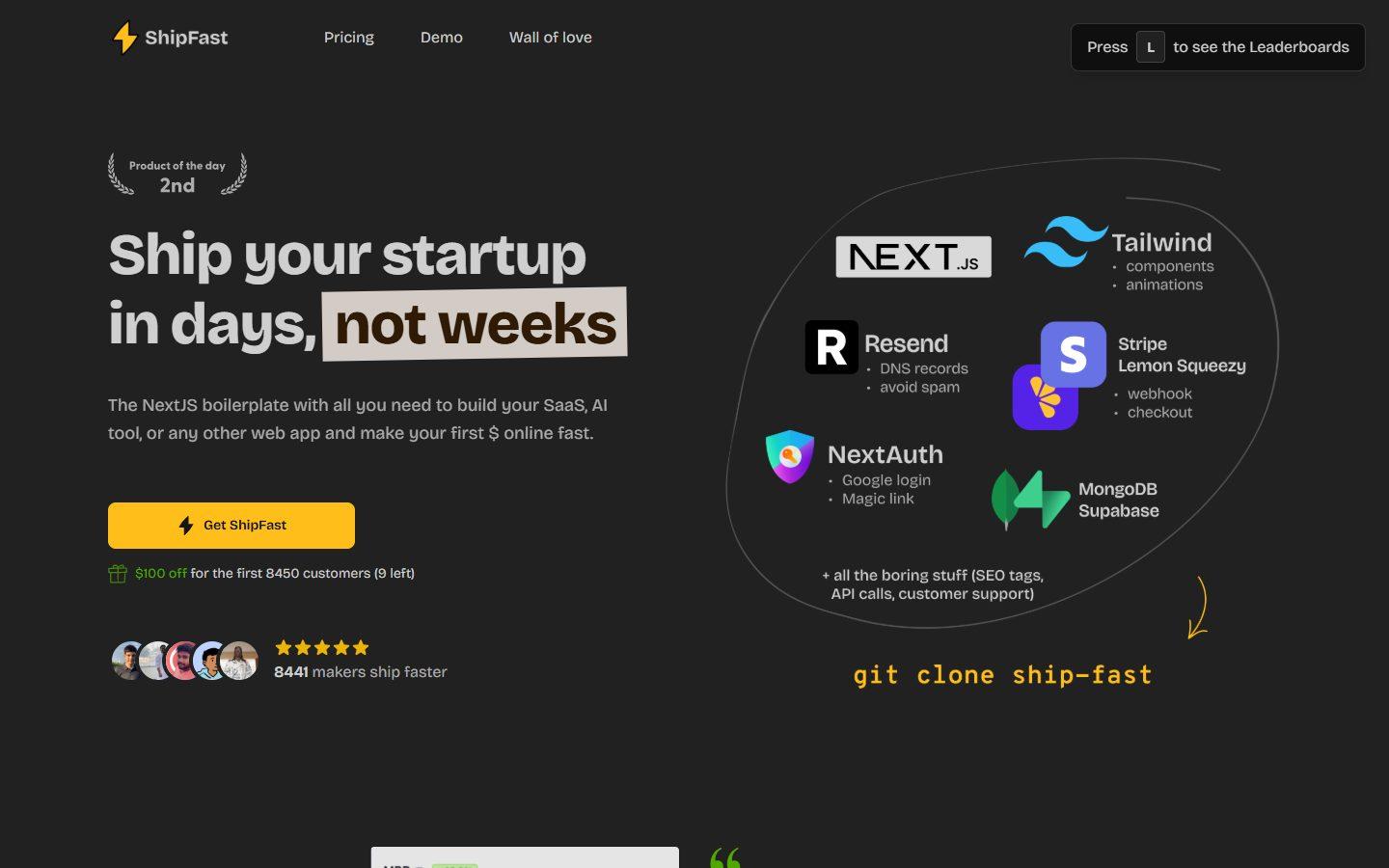
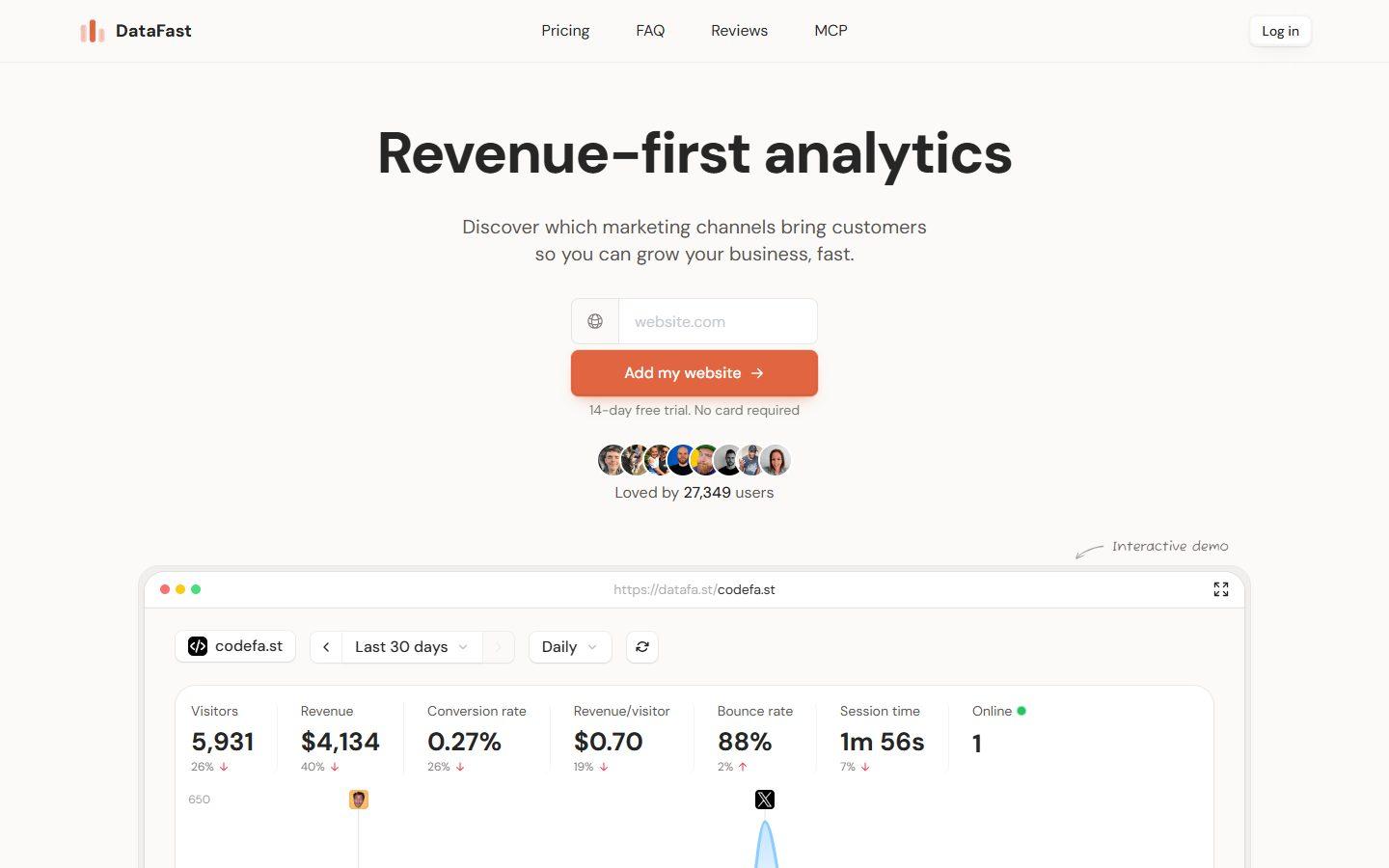
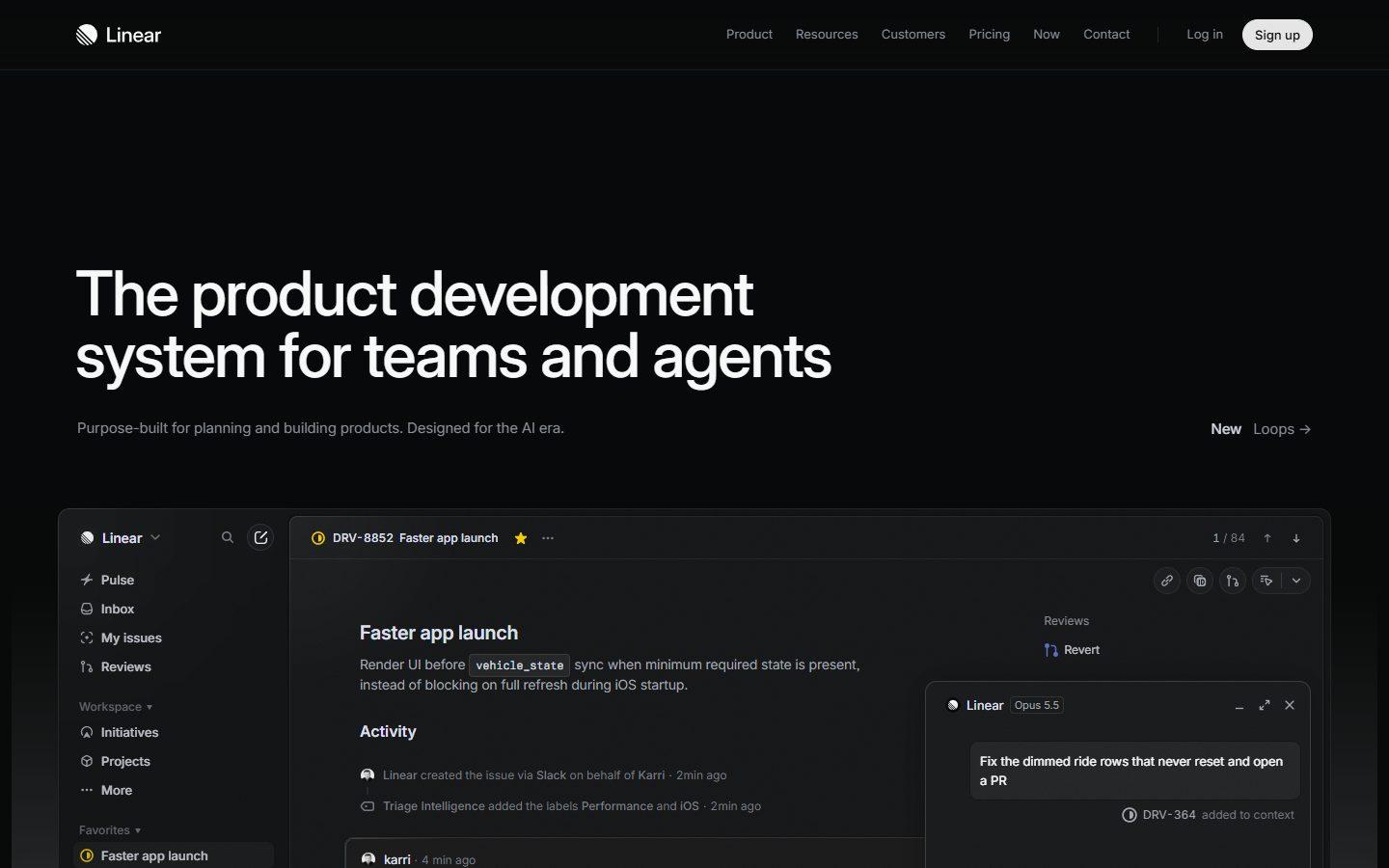
Why it works
A screenshot is a guess. A spec is a build.
Give an agent a screenshot and a prompt and it will never land the same result. Give it what the browser actually measured and it will.
Screenshot + prompt
- Spacing, sizes and fonts guessed from pixels
- No hover, focus or animation states
- Images missing or hotlinked
- One giant prompt, lost halfway through
getanyui
- Measured spec for every important element
- The site's real markup and CSS rules
- Every state, transition and keyframe
- Images, fonts and video downloaded locally
- A step-by-step task, built section by section
How it works
From any website to your repo in three steps
- 01
Capture
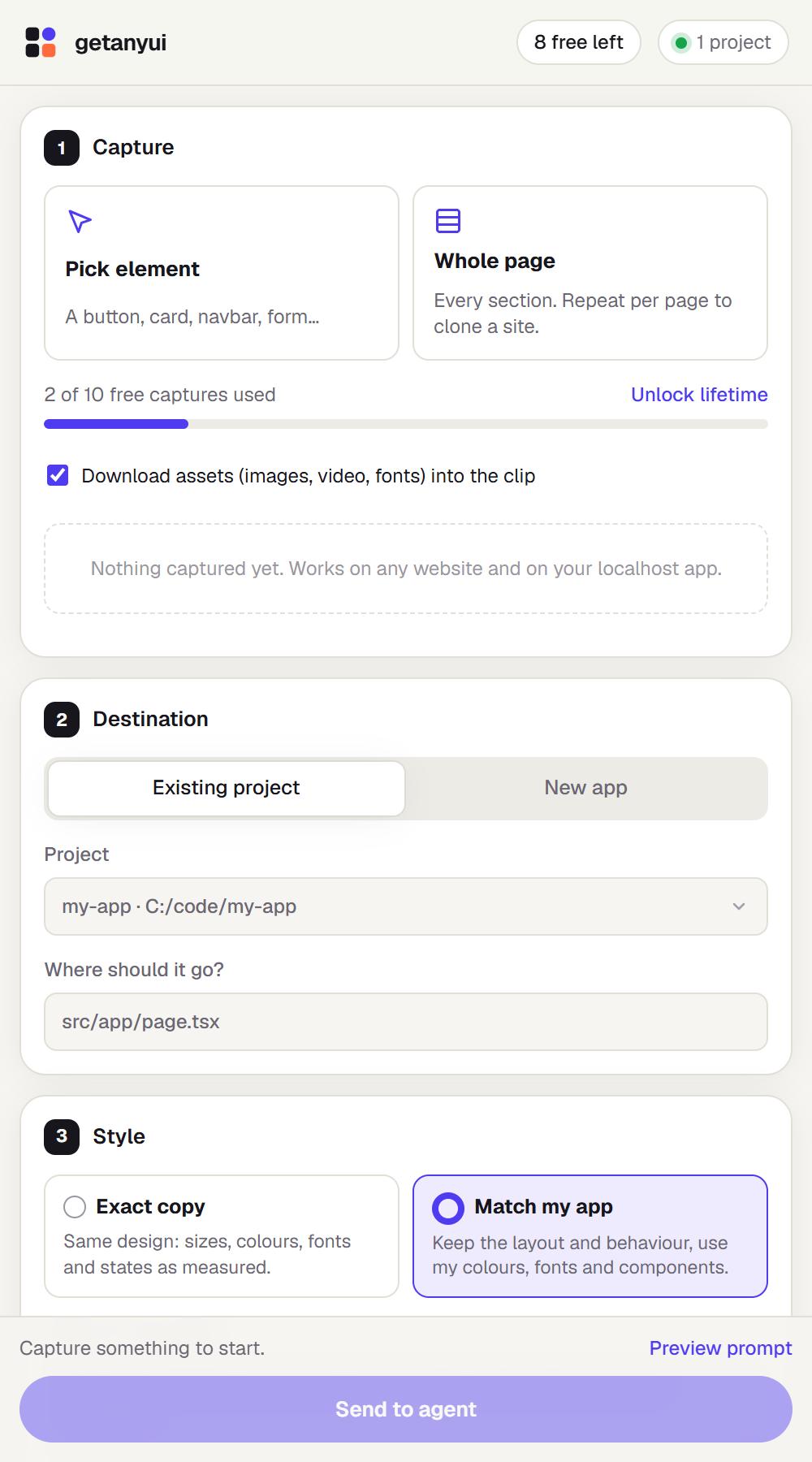
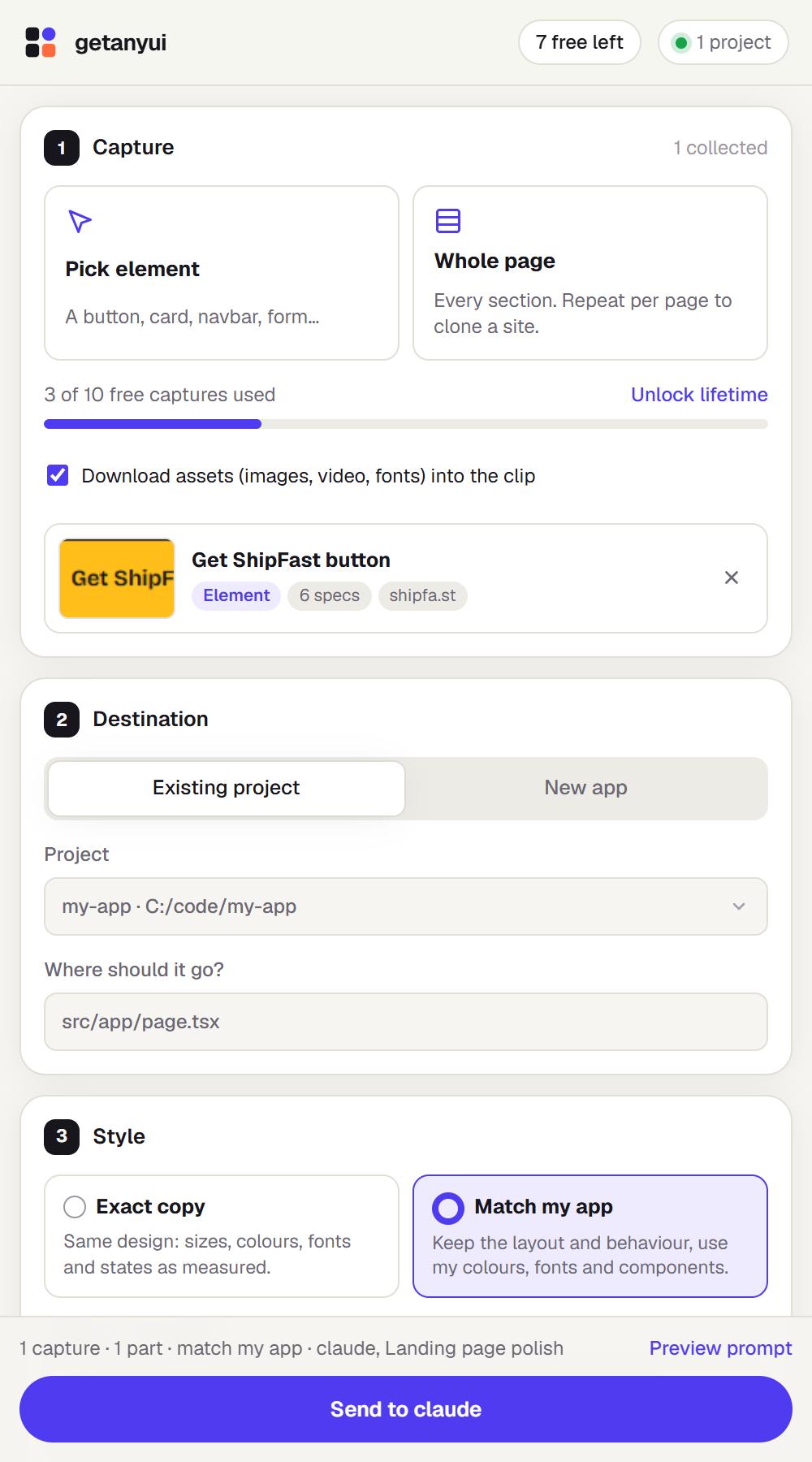
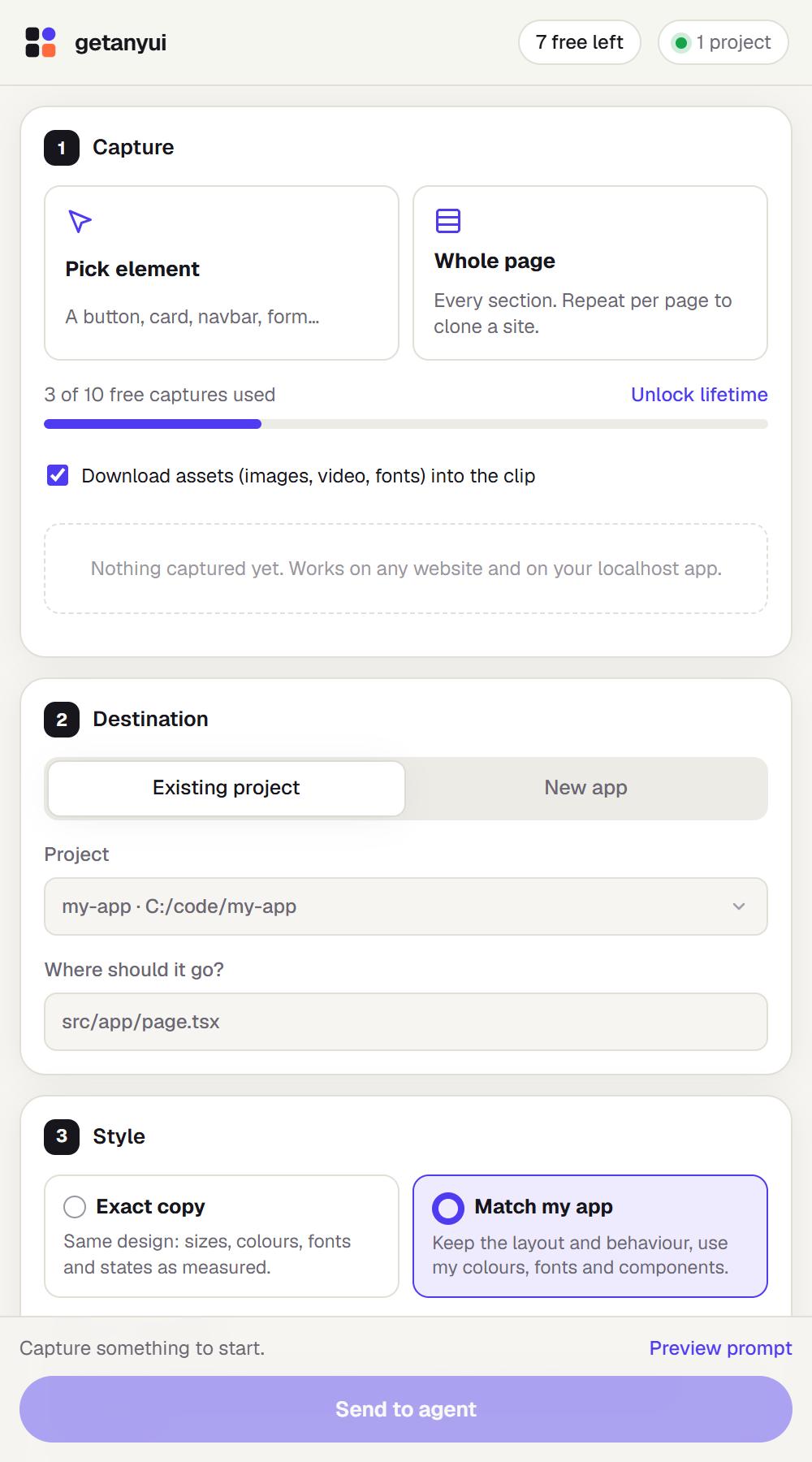
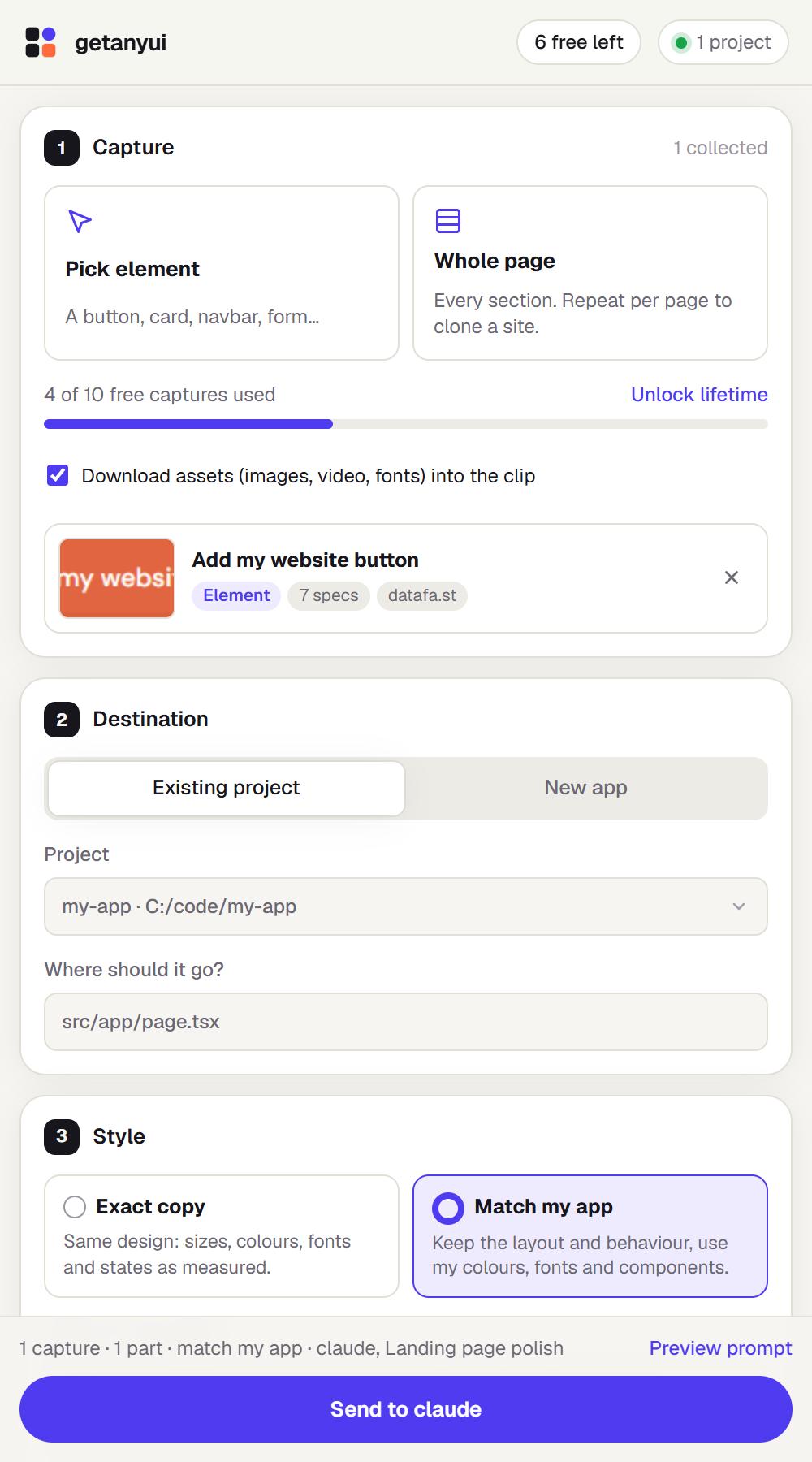
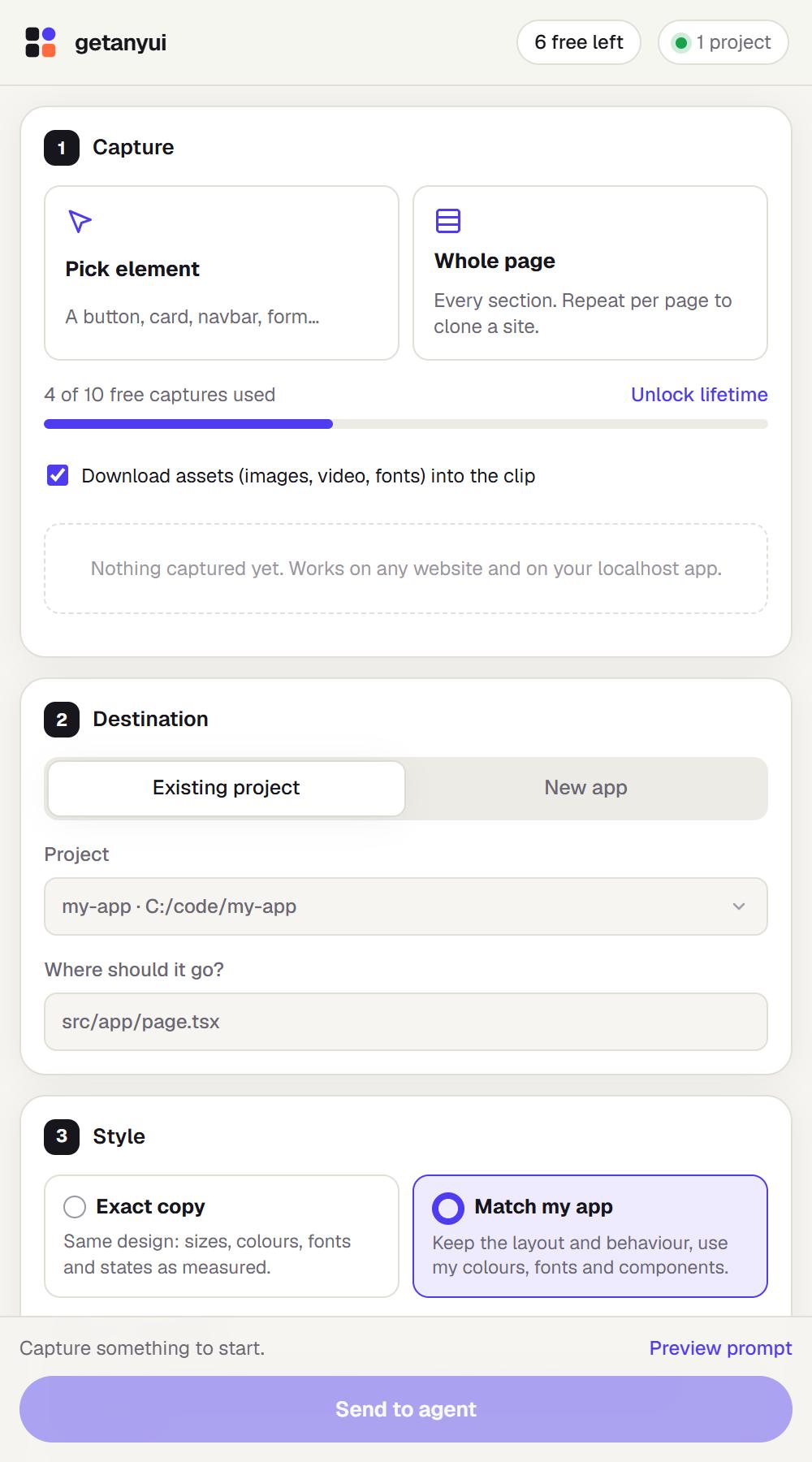
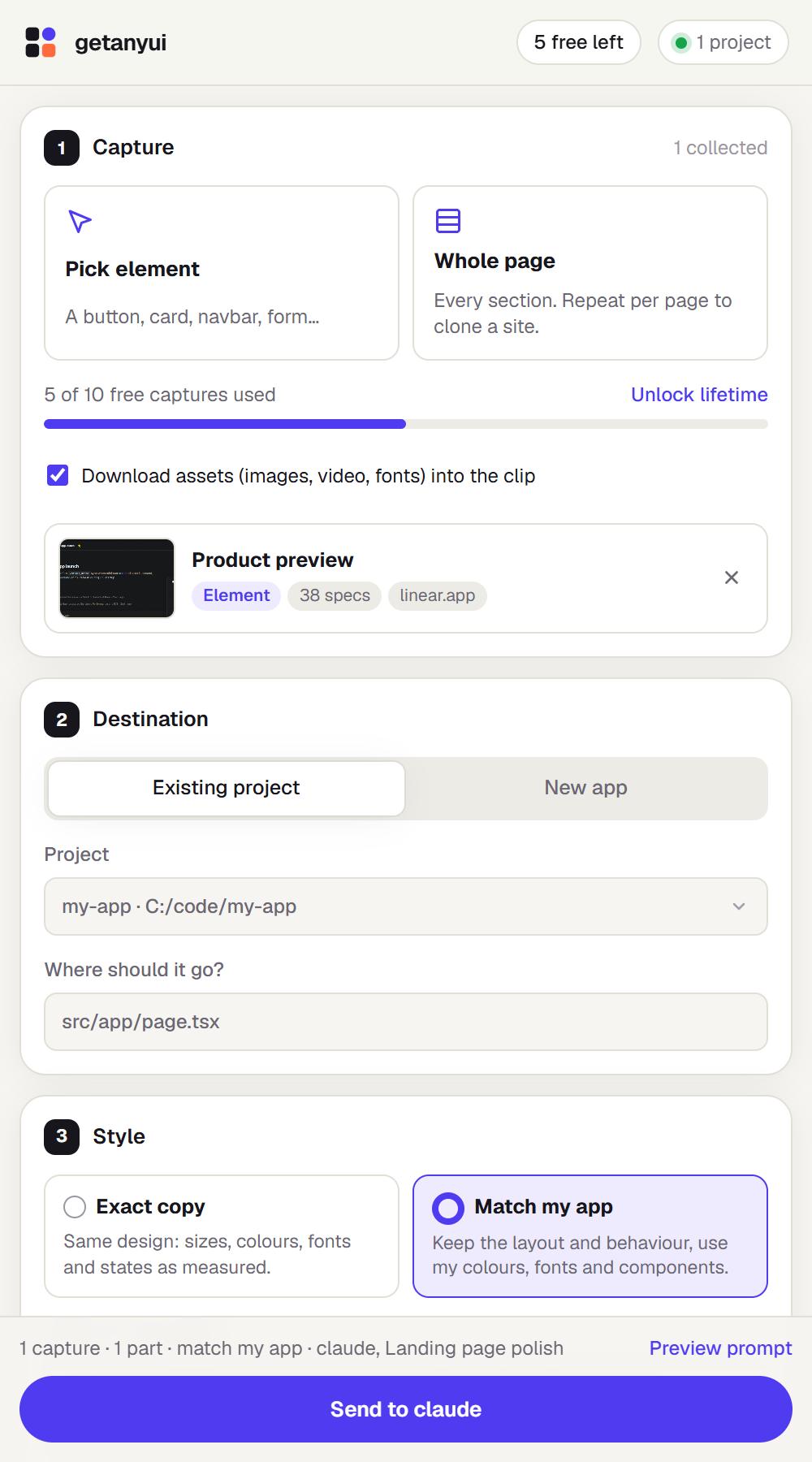
Pick any element or a whole page in Chrome. The extension measures layout, type, colours, states, motion and assets.
- 02
Bridge
A tiny local listener writes a clean task folder into the project you choose. Localhost only, token protected.
- 03
Build
Your agent opens in a terminal and starts the task: a new chat, or one you already have running.
Features
Everything an agent needs, nothing it doesn't
Precise element picker
Hover and click. Arrow keys walk to the parent or child, so you grab exactly the component you want.
Whole pages and sites
Splits a page into named sections with full-height screenshots. Capture several pages and send them together.
Motion that survives
Scroll reveals are triggered and recorded first, so nothing arrives invisible and the real keyframes come along.
Assets included
Images, video, fonts and icons are downloaded into the clip, with a map back to every original URL.
Exact copy or your style
Reproduce the design as measured, or keep the layout and map it onto your project's own design system.
Your agent, your chat
Claude Code, Codex, opencode or pi. Start fresh or resume an existing conversation in that project.
Install
Set up in two minutes
Sign in with your email and start with 10 free captures. Everything runs on your machine with the agent you already pay for.
- 1
Download and unzip
One getanyui folder with the extension and the listener.
- 2
Load the extension in Chrome
chrome://extensionsTurn on Developer mode, click Load unpacked and pick the getanyui/extension folder.
- 3
Start the listener, paste the token
node getanyui/listener/cli.jsNeeds Node 18+. Paste the printed token into the side panel once.
- 4
Sign in with your email
Click Sign in in the side panel: it opens getanyui.tech for a one-time code. Your first 10 captures are free.
$ node getanyui/listener/cli.js
getanyui listener on http://127.0.0.1:7433
Token (paste into the extension once): 3f9c…a1e7

[getanyui] saved clip 20261025-hero in ~/my-app
[getanyui] started: claude "Read .getanyui/clips/…/PROMPT.md"
What lands in your project
.getanyui/clips/<id>/
  PROMPT.md          the task, rules and order of work
  01-page-home/
    assets/          images, fonts, video
    parts/01-header/
      spec.md        measured layout, type, states, tokens
      code.html/css  the site's real markup + CSS
      screenshot.png to check the result
Pricing
Try it free. Own it for $19.
Sign in with your email to get 10 free captures. When you want more, unlock lifetime access once.
Free trial
$0to start
- 10 captures, elements or whole pages
- Every feature, nothing locked
- Your own agent and subscription
Lifetime
$19once, no subscription
- Unlimited captures
- Every future update included
- Unlock in the extension in one click
Local only
Captures go straight to your project. The listener binds to 127.0.0.1 and every request needs your token.
Zero dependencies
Plain Node standard library. Nothing to audit but a few hundred lines.
Stays out of git
Captures live in a self-ignored .getanyui folder. Your files are never touched.
FAQ
Questions, answered
How much does it cost?+
Your first 10 captures are free. After that it is $19 once for lifetime access, with no subscription. You use your own AI agent and subscription.
Do I need the listener?+
No. Without it the extension downloads a ZIP and copies a prompt you can paste into any agent, including Cursor. The listener just makes it one click.
Which agents does it work with?+
Claude Code, Codex, opencode and pi out of the box. Any other CLI can be added in ~/.getanyui/config.json.
Can I copy any website?+
Use it for inspiration and for your own sites. The task tells the agent to replace logos, brand names and copyrighted text with placeholders unless you own the site.
What data do you store?+
Only your email and how many captures you have used. The captures themselves go from your browser to the listener on localhost and into your project folder. They are never uploaded.
See a UI you love? Get it.
Start with 10 free captures. Your agent, your project, your style.